Groups, collections, and favorites
Build smart groups that expand automatically, curate photo and video collections, and keep favorites close.
Updated:
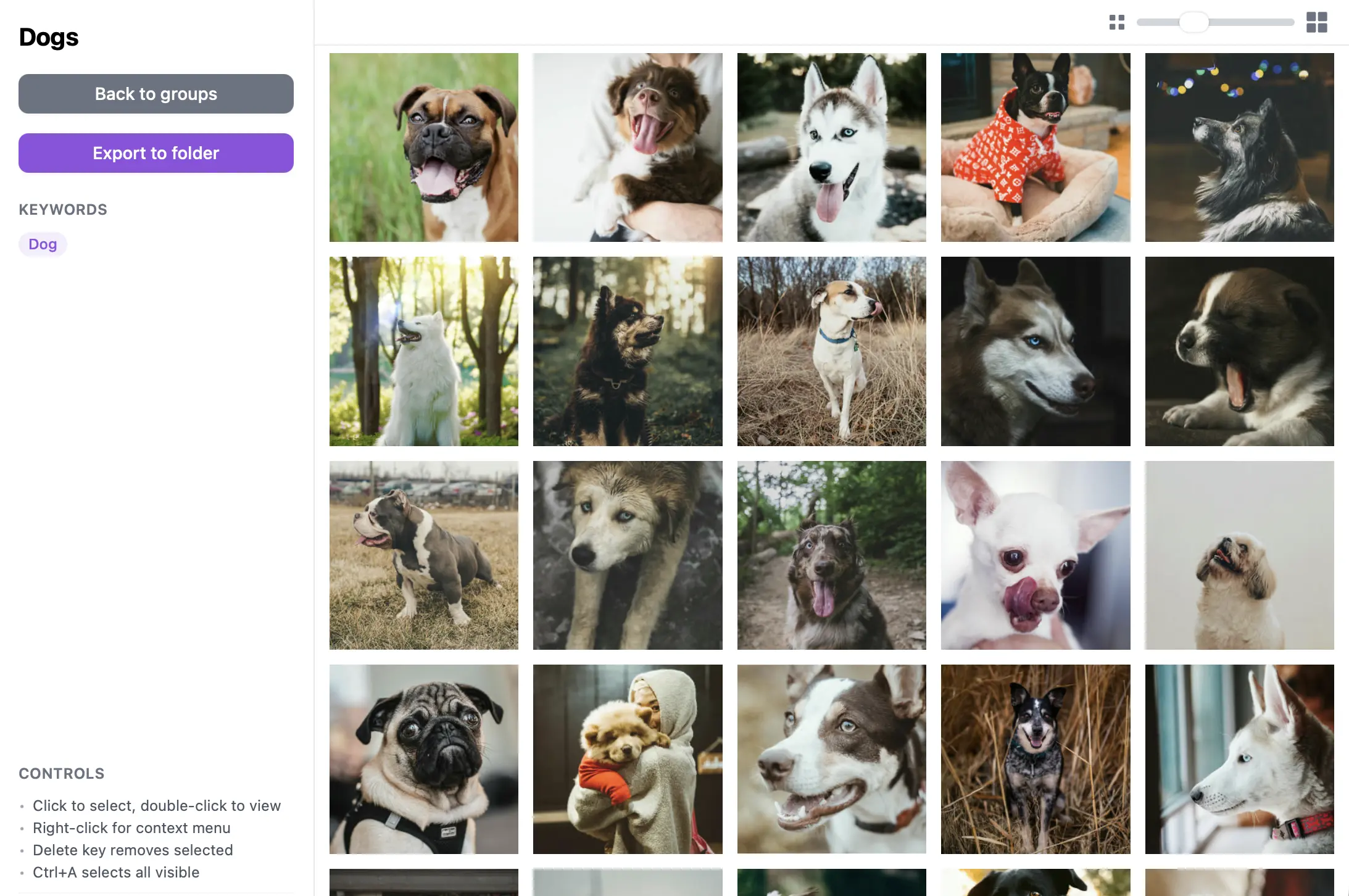
Try this workflow
Create a smart group in a folder to automatically fill it with matching media. Use a collection for an explicit selection, such as a trip or project, and favorites for individual keepers. Assistants use the same organization rules.
What to expect
Collections and groups stay within their OwAI folder. Remote edits need the owning app online; wait for command completion before assuming membership changed.
Frequently Asked Questions
Is OwAI free?
Yes. Local browsing, organization, local AI models, people, collections, groups, and duplicate management are free and do not require an account.
Can an agent delete my files?
Local folders: Yes, but an agent must first preview the exact files and get your approval before applying the deletion plan. Updated desktop builds keep removed files in recovery for 30 days before permanent cleanup; this does not immediately free disk space. Remote changes wait for the owning app to complete them. OneDrive: Small thumbnails are cached; desktop videos download to a playback cache. Offline access is limited to cached media. Approved deletions use OneDrive’s recycle bin, not OwAI’s 30-day recovery. Removing a source never deletes its OneDrive files.