Let AI assistants manage the library
Connect compatible assistants through MCP to search and manage people, groups, collections, and duplicates.
Updated:
MCP setup and library-management guides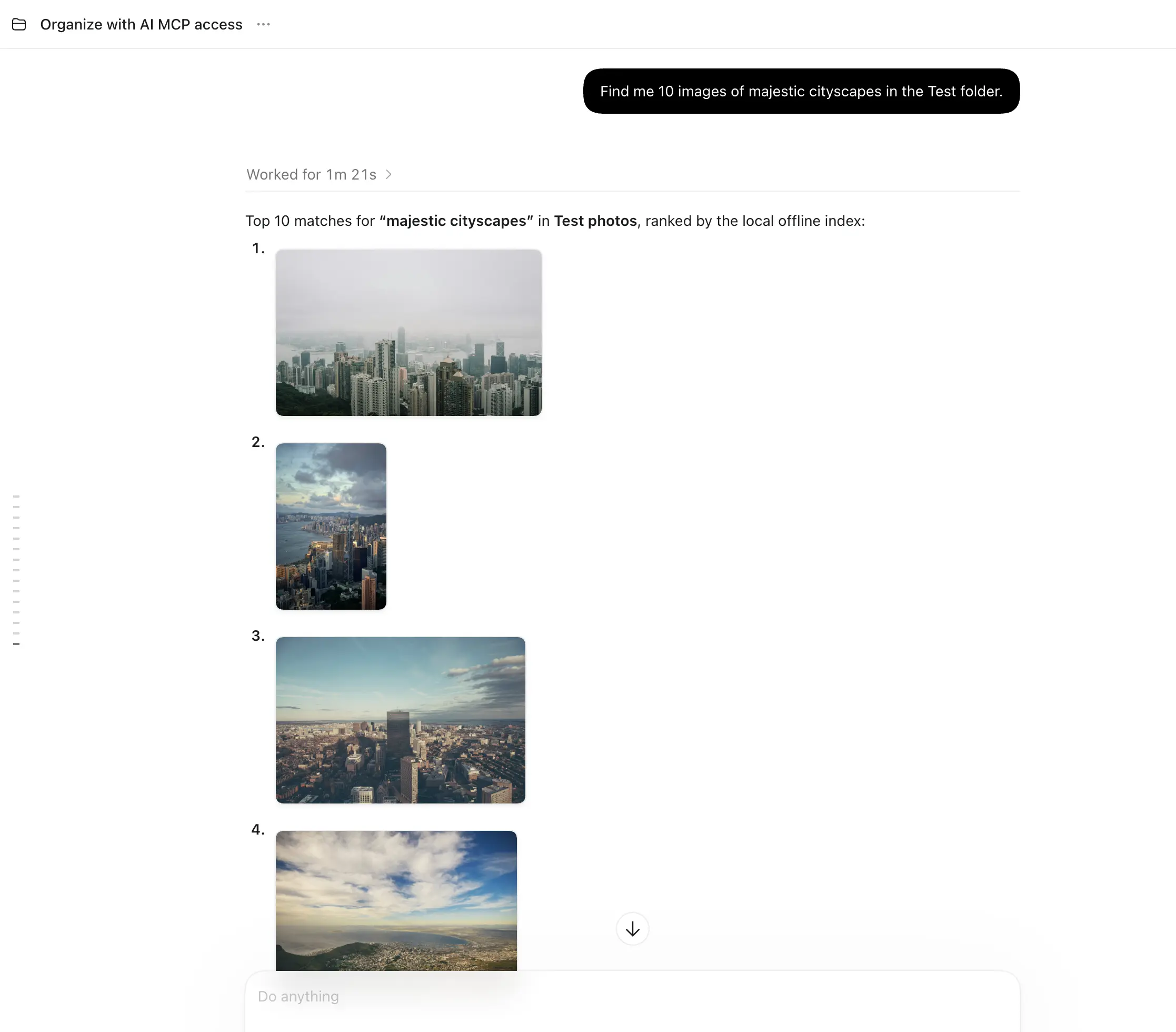
Try this workflow
Connect a compatible assistant, list your folders, then request a small search with a named folder and dates. Review the results before creating a collection or changing labels. Use the linked MCP guides for real tool examples and permissions.
What to expect
Both MCP connections require Cloud Access. Remote reads use the synced index; changes wait for the owning app. An assistant must check completion, not report a queued command as success.
Frequently Asked Questions
What does Cloud Access include?
Cloud Access is a one-time purchase that unlocks cloud index synchronization, cross-device search, hosted inference, local and hosted MCP, and agent library management. Indexing, search, and reimagine operations use prepaid credits.
Can an agent delete my files?
Local folders: Yes, but an agent must first preview the exact files and get your approval before applying the deletion plan. Updated desktop builds keep removed files in recovery for 30 days before permanent cleanup; this does not immediately free disk space. Remote changes wait for the owning app to complete them. OneDrive: Small thumbnails are cached; desktop videos download to a playback cache. Offline access is limited to cached media. Approved deletions use OneDrive’s recycle bin, not OwAI’s 30-day recovery. Removing a source never deletes its OneDrive files.