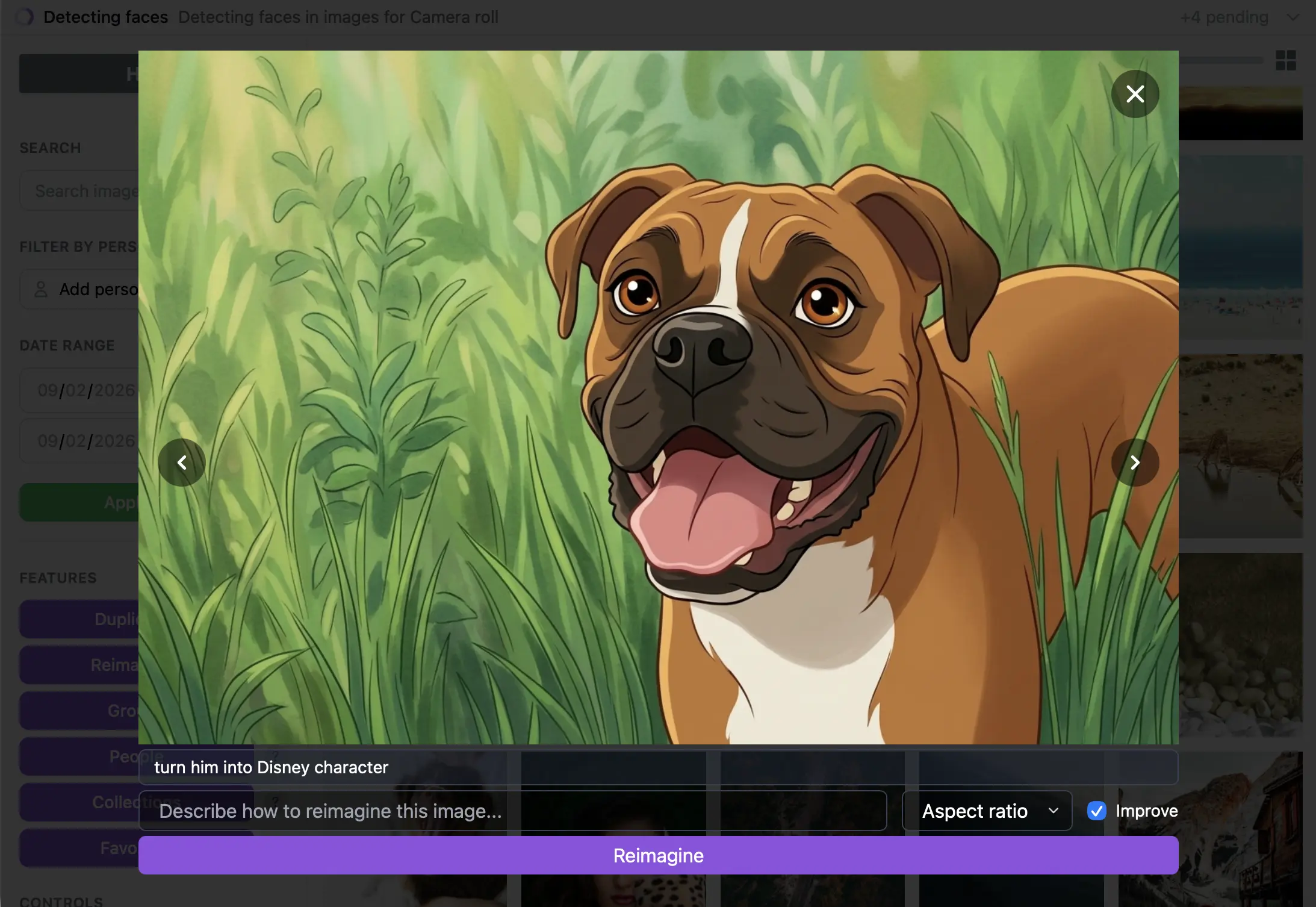
Reimagine, watermark, and export
Create variations with Reimagine, add reusable watermarks, and export groups or collections to folders.
Updated:
Try this workflow
Select photos for export, choose the destination and apply a watermark when needed. Use Reimagine for AI-generated variations, then review the output before sharing. Keep originals and exported versions clearly separated.
What to expect
Exports are files on the owning computer, not automatic cloud attachments. Reimagine needs online processing and credits; generated details may differ from the original.
Frequently Asked Questions
What is sent for hosted inference?
When you select hosted inference, resized images or selected video frames are transmitted for processing and are not persisted. You can instead download local models and keep inference on your device.
Do credits expire?
No. Indexing, search, and reimagine credits remain in your account until used. Larger packs receive volume discounts.